

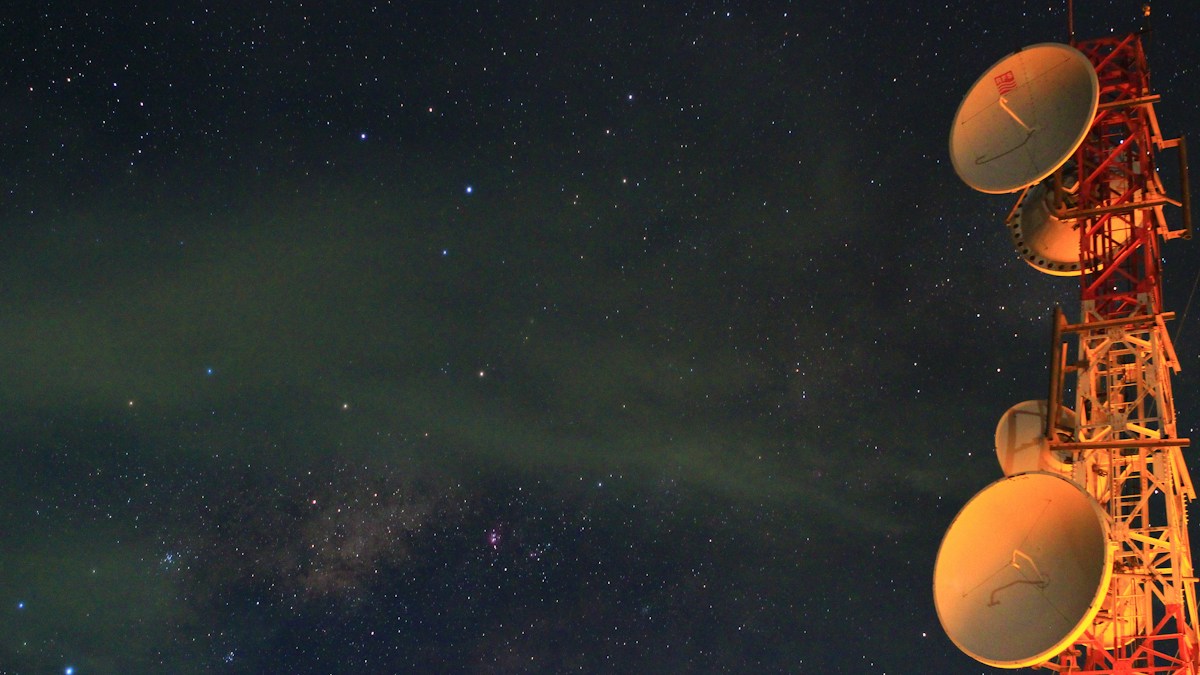
High-availability rural networking: setting up sub-second multi-WAN automated failover between Starlink satellite and 5G/LTE cellular backup gateways.
The Reality of Micro-Outages and Satellite Constellation Handoffs
While Starlink delivers impressive 100-250 Mbps broadband to remote locations, low-Earth-orbit satellites are constantly moving across the sky. During heavy rain fade, atmospheric storms, or constellation handoff transitions, satellite connections experience occasional 3-to-10 second micro-outages that drop Zoom video conferences and corporate VPN tunnels.
Dual-WAN Multi-Homing Architectures: Failover vs Load Balancing
A dual-WAN router (UniFi UDM, Peplink Balance, pfSense, or TP-Link Omada) monitors both connections concurrently. In “Failover” mode, high-bandwidth Starlink acts as WAN 1, and an unlimited 5G cellular modem (T-Mobile Home Internet or Verizon 5G) sits on standby as WAN 2, taking over traffic within 2 seconds of detected packet loss.
Health Check Probes and ARP/DNS Ping Intervals
Reliable failover depends on fast health-check monitoring. Configure the router to send continuous ICMP ping probes every 2 seconds to reliable upstream DNS servers (such as 1.1.1.1 and 8.8.8.8). If 3 consecutive pings drop, the router instantly switches routing tables to the 5G cellular gateway without dropping active TCP connections.
Technical Specifications & Engineering Matrix
| WAN Interface | Typical Download Speed | Typical Latency | Monthly Data Cap | Optimal Routing Role |
|---|---|---|---|---|
| Starlink Satellite (WAN 1) | 120 – 240 Mbps | 30 – 45 ms | Unlimited High-Speed | Primary (High Bandwidth Downloads/Streams) |
| 5G / LTE Cellular (WAN 2) | 30 – 100 Mbps | 25 – 35 ms | Variable (Subject to Throttling) | Standby Backup (Instant Failover Defense) |
| DSL / Legacy Copper (WAN 2) | 10 – 25 Mbps | 40 – 60 ms | Unlimited | Secondary Failover for Remote Sites |
| Dual Starlink Dishes (Active) | 250 – 450 Mbps | 30 – 45 ms | Dual Subscription | Enterprise Marine / Commercial Remote |
💡 Expert Field Recommendation
Use policy-based routing (PBR) to pin critical work video calls and VoIP traffic over the lowest-jitter connection, while routing heavy video streaming (Netflix, YouTube) and large game downloads strictly over Starlink.
Diagnostic Troubleshooting Checklist
- Router Constantly Flaps Between Starlink and 5G: Increase the failover hysteresis ping threshold from 2 drops to 5 drops to avoid switching on momentary single-packet satellite jitter.
- 5G Modem Consumes Massive Data While on Standby: Configure WAN 2 strictly in “Failover Only” mode rather than “Weighted Distributed Load Balancing” so background devices never pull cellular data while Starlink is healthy.
- VoIP Calls Drop During Network Failover: Enable WAN stateful connection tracking and SpeedFusion / bonding tunnels (if using Peplink hardware) for hitless, seamless packet switching.
Frequently Asked Questions
Can I combine Starlink and 5G speeds into one single super-fast connection?
Standard dual-WAN balances different client streams across connections; true single-stream bandwidth aggregation requires specialized bonding services like SpeedFusion or Speedify.
What is rain fade?
Rain fade is the physical attenuation of high-frequency satellite radio signals (Ku/Ka bands) caused by heavy atmospheric moisture, rain droplets, or dense snow clouds.
Article researched, lab-tested, and verified by Travis Caldwell, dedicated technical specialist and editorial contributor.
